Project
Terraria First Mod
Overview
My first dive into TModLoader modding for Terraria. I explored the Wiki and Official Documentation, built three features from scratch, a Pokéball capture system, a custom boss, custom weapons and learned how the game’s XNA/MonoGame architecture works under the hood.
Boss
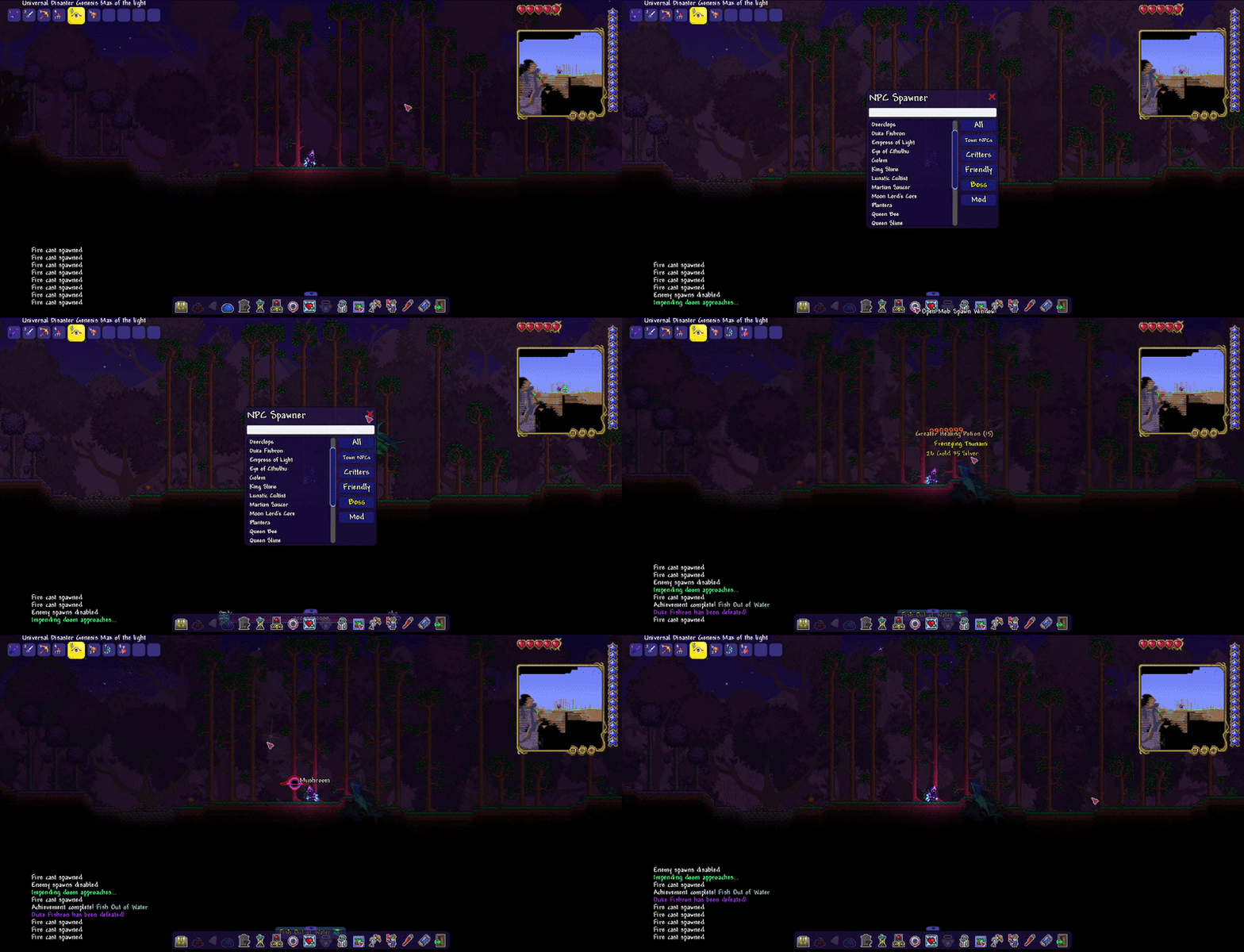
My first custom boss, with a sequential attack pattern that always keeps it flying above the player. Its moveset includes:
- Bullet balls that home in on the player
- Laser attacks
- Spawning a decoy clone
- And more
I only had one sprite for the animation, which limited the polish. I also got custom music triggering on spawn, which was a fun touch.
Pokéball
The feature I like the most. I implemented a throwable Pokéball that can capture any hostile mob. Once caught, a Pokéball item referencing a clone of that mob is dropped. Throwing it again spawns the mob back, no longer hostile and unable to touch you.
The one thing I didn’t finish: making captured mobs attack other hostile mobs. For vanilla mobs that would require hooking into their existing AI to override targeting logic, trickier than it sounds. For custom mobs it would be straightforward since you control the AI from scratch.
Weapons
A good starting point for learning the basics. TModLoader provides base classes like ModItem, ModNPC, and ModPlayer. Modded variants of vanilla entities you extend to add your own behaviour.
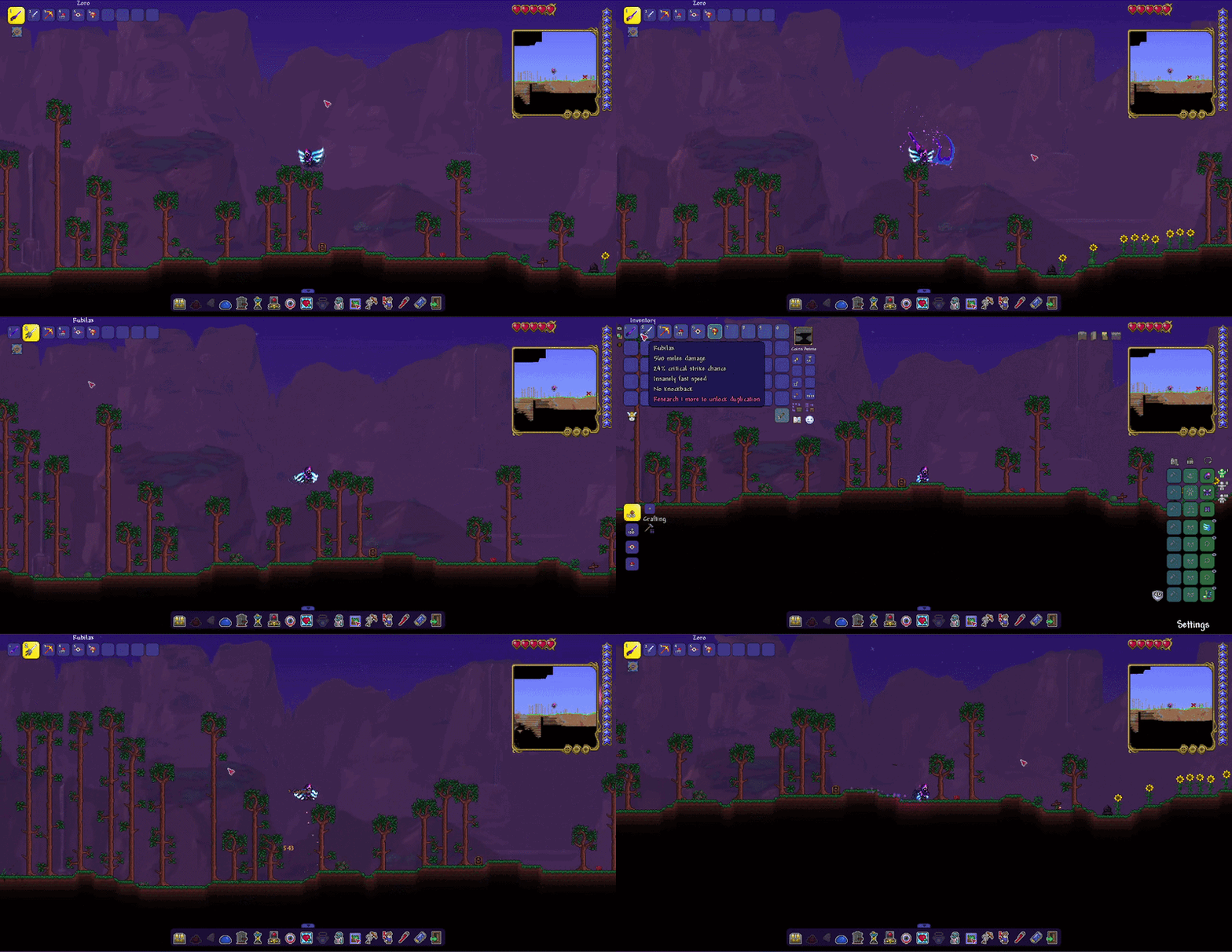
One quirk: all animation sprites must be stacked vertically in a single image. I made a few weapons, a purple wand with visual effects, an oversized fast sword for fun, and one that spawns an explosion at the mouse position.
What I Learned
- XNA / MonoGame framework basics
- TModLoader’s class architecture
- Hooking into vanilla game behaviour
- Dust particles and visual feedback
- Projectile creation and homing logic
- Boss AI and sequential attack patterns
- Item and NPC registration
- Custom player modifications